
We’ve all been there: you’ve been puzzling for a while and you’ve reached that magical flow state. You’re in the zone. You could keep going for hours…if it wasn’t for the pain in your neck and shoulders.
Unfortunately, puzzling pain is common, especially for jigsaw puzzle lovers. It’s not isolated to only your neck and shoulders. Eye strain, wrist pain, and back pain are common, too.
But it doesn’t have to be that way. With a few adjustments, you can minimize pain, take care of your body, and still enjoy hours of piecing together a jigsaw puzzle. Keep reading for our best tips to make puzzling more ergonomic.
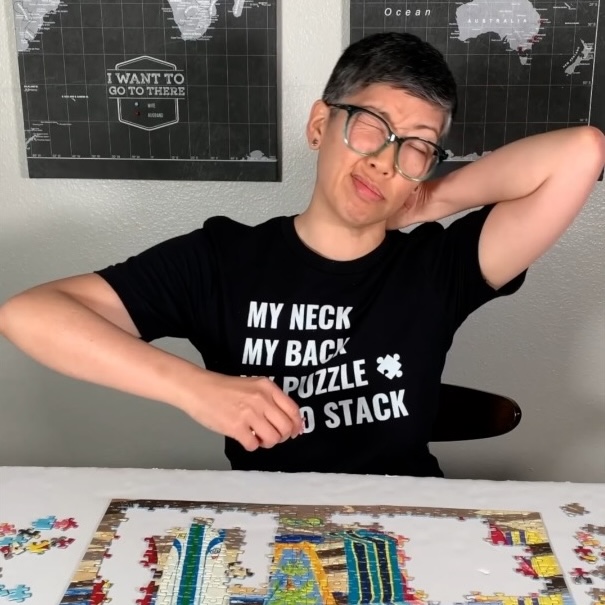
The best way to reduce aches and pains from puzzling is to figure out what causes them in the first place. The most likely culprit is your puzzling workspace and routines. These tips are simple tweaks that go a long way without changing your gameplay too much.
Instead of sitting down for long stretches of puzzling, set a timer to go off every half hour. Stand up, stretch your body, and give your eyes a break.
Each time you take a break, do the following:
Taking short breaks will give your body time to reset before you come back to your puzzling work station. You could do something as simple as making a cup of tea and stretching or as blood-pumping as taking a brisk walk. Whatever you do, try to move your body so you don’t get too stiff.
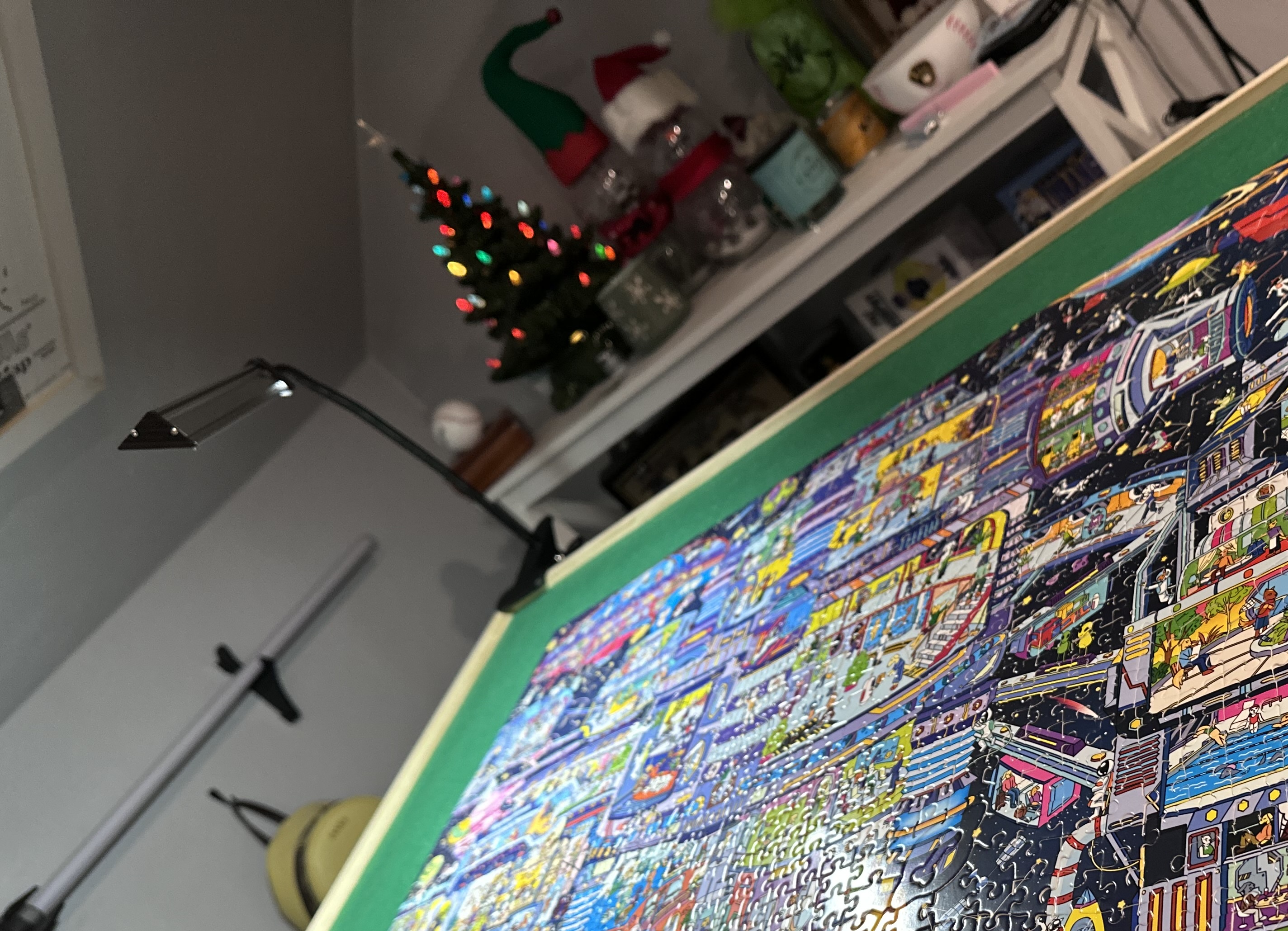
If eye strain is your biggest complaint, try to work on your puzzle in an area of your home with good lighting. If that’s not possible, add extra lights to your puzzle station. Invest in an inexpensive desktop lamp, or a light that clamps to the side of your table or desk.
A bonus tip is to get a light that you can move around and focus on the area of the puzzle you’re currently working on. The more your puzzle is illuminated, the less strain to your eyes. Plus, it can also help reduce back pain. When you have good lighting, you don’t have to hunch over as much to see your puzzle pieces.
What type of chair do you sit in while you work on your puzzle? If you work at a dining room or kitchen table, your chair probably isn’t supportive enough.
Invest in a chair with better lumbar support, or add more support to your current chair by using a lumbar pillow or rolled towel behind your back.
Make sure the chair is the right height for your table or desk. You shouldn’t have to hunch or reach too much, as this can cause neck, shoulder, and wrist strain. If your table or chair is adjustable, make changes as needed until you feel more comfortable. Ideally, your shoulders should always stay relaxed.
If you don’t have an adjustable chair or table, try sitting on a pillow to make yourself taller. If your chair is too tall already, swap it out with a shorter one.
When it comes to supporting your back, how you sit is important too. Sit straight up with both feet placed firmly on the floor. Try to keep your spine tall rather than hunching over. You’ll not only protect your back, but you’ll also reduce shoulder and neck pain.
If you make all of these changes and still experience aches and pains while puzzling, it’s time to take it up a notch. Check out these ergonomic puzzling tools that go the extra mile in protecting your body.
Investing in a puzzle board or table is when you know that you’re a bonafide puzzling pro. But it’s not just about the glory; these tools can go a long way in reducing puzzling pain.
A rotating board is helpful because it brings the puzzle to you. Instead of reaching over and over again to work on the top corners of the puzzle, you can simply rotate your board so that the section you’re working on is right in front of you.
Rotating boards can help reduce reaching, bending, and twisting, and it makes puzzling easier on the eyes. They’re especially helpful for wide puzzles.
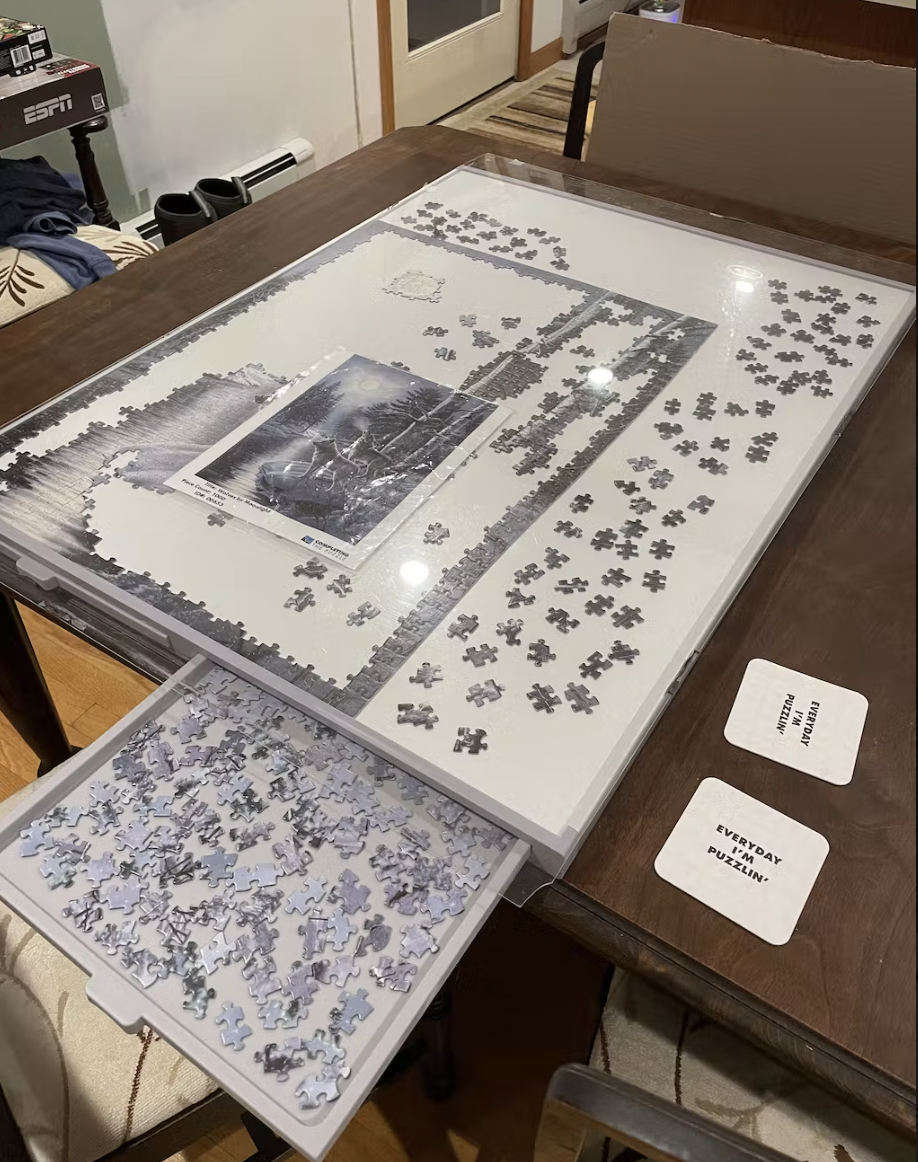
Another puzzle board or table option that makes puzzling less painful is one that tilts. The tilt helps you keep your spine and neck straight since you aren’t constantly looking down to the flat surface of your table. The more you can reduce hunching, the less shoulder pain you’ll experience.
However, some puzzlers who use tilting boards still find that they have shoulder pain when they work on the top part of the puzzle. If you want the best of both worlds, look for a puzzle board that both rotates and tilts so that you can manipulate it to stay comfortable.
A puzzle box top holder is a small stand for your box top that helps you see the puzzle image more clearly. When the image is elevated to your eye level, you don’t have to constantly lean over or strain your eyes to see it.
This simple tool can help you maintain your posture and feel more comfortable during long puzzling sessions.
Speed puzzling is a whole different ball game, so it requires its own techniques and strategies to help you avoid aches and pains.
With speed puzzling, you typically stand over your table rather than sit. To reduce pain, try your best to maintain a flat back versus a more rounded one.
To maintain a flat back, hinge at your hips rather than your back, and slightly engage your core for added strength. It may feel counterintuitive at first, but a flat back is a more stable position and will protect your body in the long run.
Along with wearing supportive shoes, place one foot on a stool, chair, or low support for extra stability. This can help shift the pressure off your lower back and add stability while you’re standing or leaning. For the best results, switch your feet periodically to help you stay balanced and reduce back fatigue.
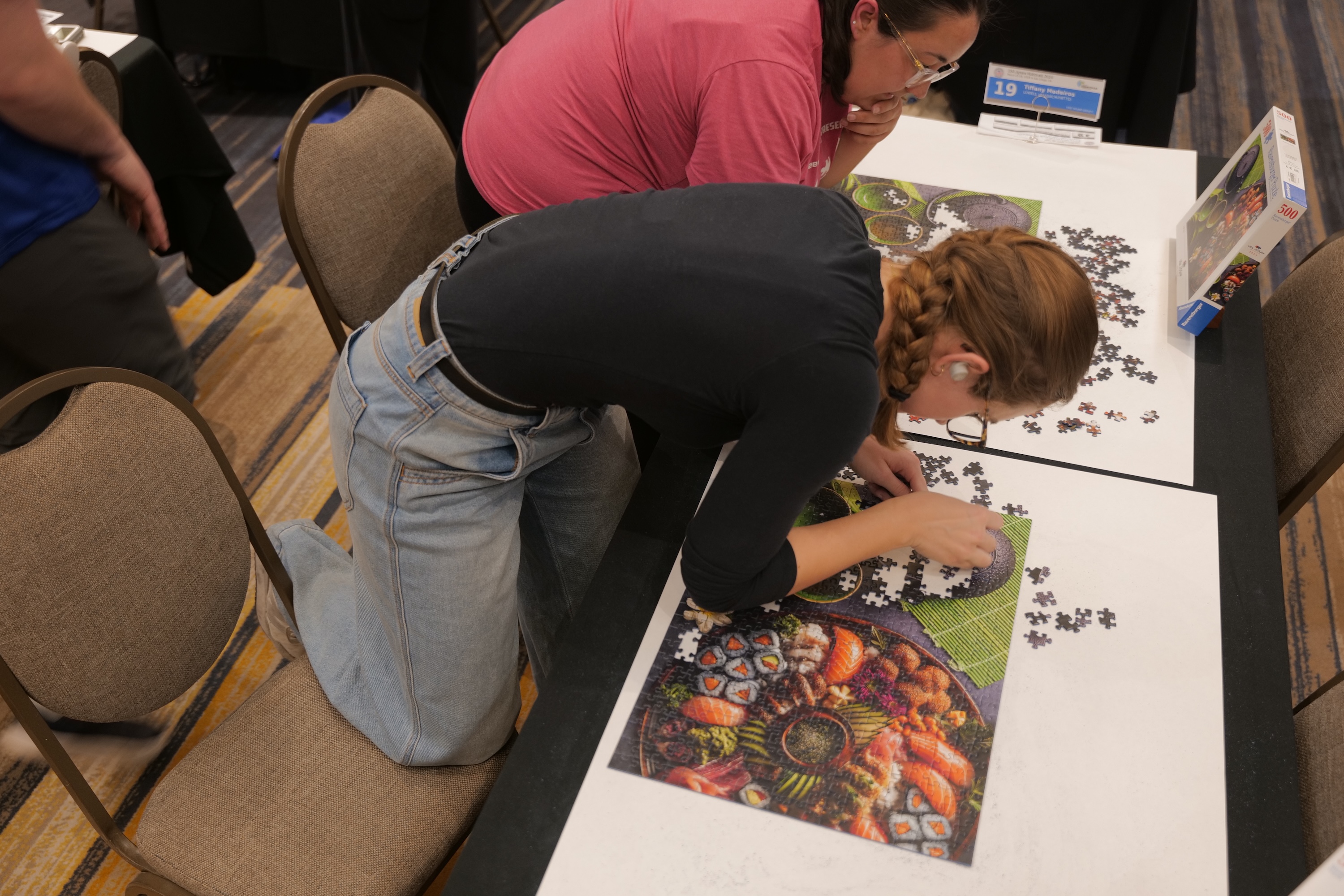
Standing or sitting for too long can cause your joints to stiffen and lock up, which results in a ton of pain by the time you’re done with your speed puzzling competition. The ideal strategy is to alternate between sitting and standing to give your body and break and keep your muscles loose.
If you start feeling tight, that’s a sign that it’s time to change your position. Make sure you take time to listen to your body’s cues; avoiding pain can help you succeed in the overall competition.
You don’t have to puzzle less to avoid aches and pains. With these tips, you can make puzzling more ergonomic and comfortable. The key is to listen to your body and make adjustments rather than pushing through the pain.
Now that you’ve mastered ergonomic puzzling, it’s time to get to work on your next jigsaw puzzle. Want an endless supply of puzzles delivered to your doorstep? Check out Completing the Puzzle rental sunscriptions today!